Adding email as attachment in gmail

Select Email that You Want to send as attatchments

Click on Vertical three dots sign displaying on screen
Select Forward as attatchment
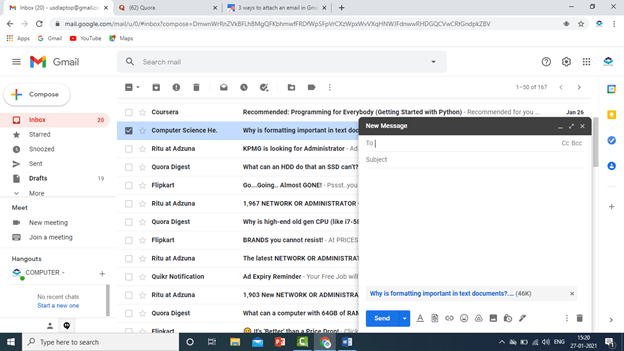
Write email where you want to send
Method 2 to send email as PDF attachment
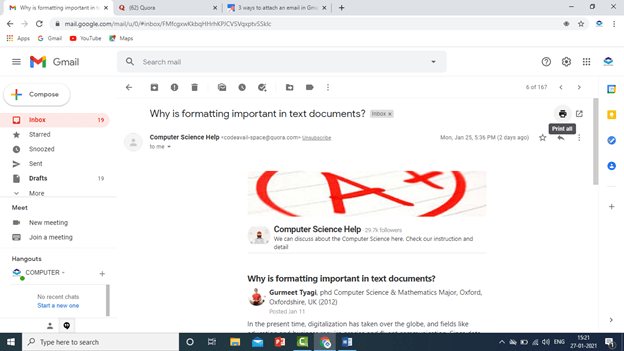
Open Email
Click on print
Select save as pdf
Save File

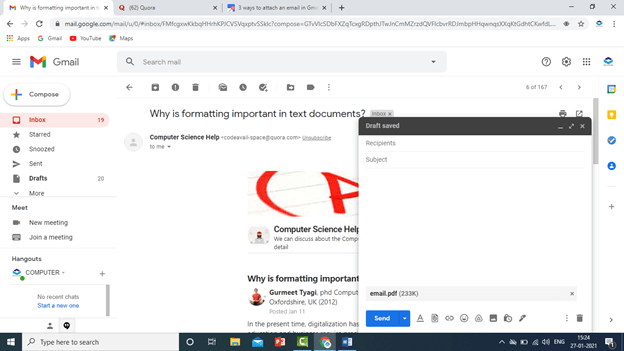
Click on Compose new email
Select Saved file and attatch email as pdf file
click send
See Practical In this Video
 COMPUTER STATION